


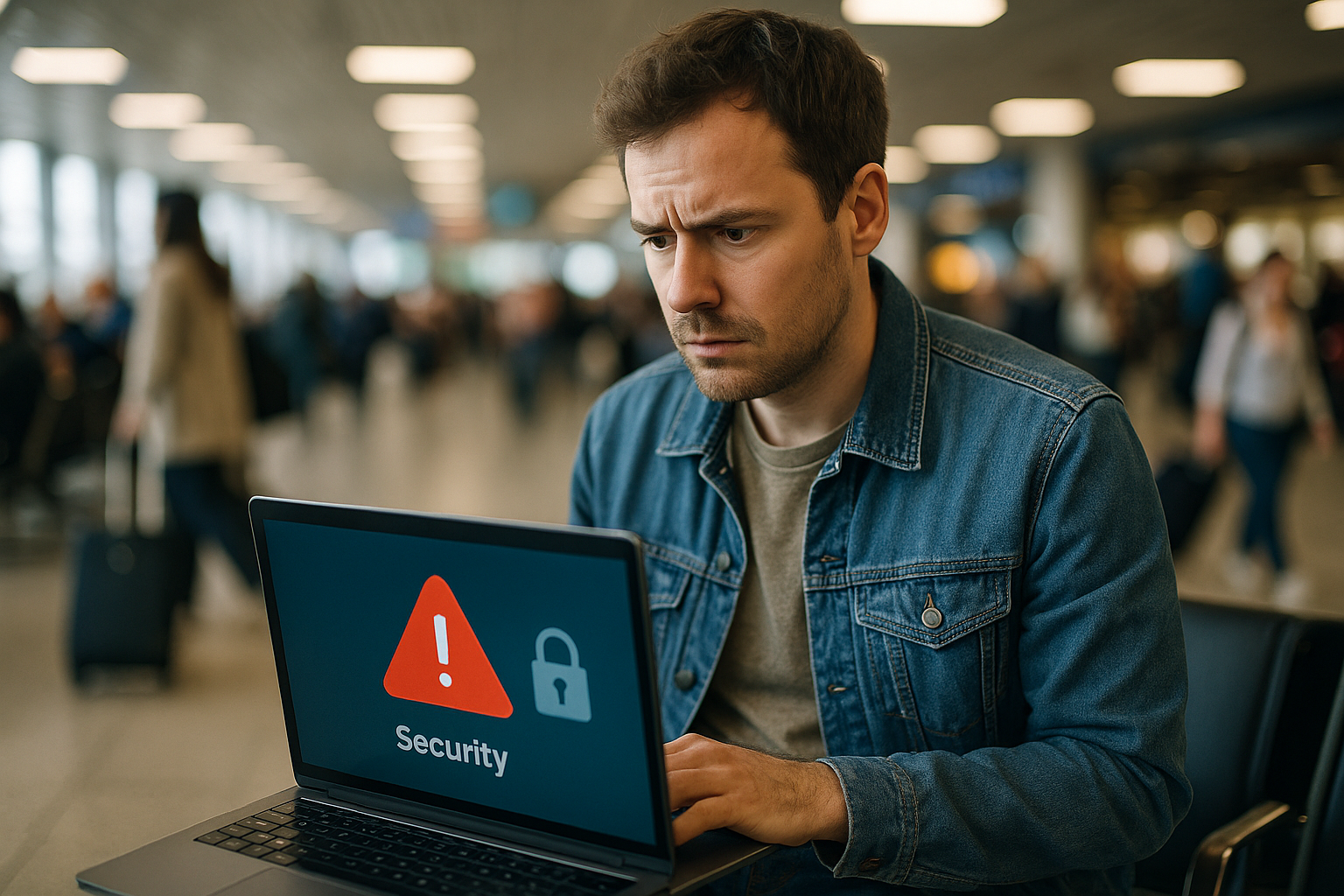
That free WiFi at the airport lounge or your hotel lobby looks convenient, but it's also one of the easiest ways for someone to intercept your passwords, banking details or personal photos. Public networks are designed for access, not security, and most travellers connect without a second thought. Here's what actually happens when you join public WiFi and what you can do about it.

Why Public WiFi Is a Security Risk
When you connect to public WiFi, your device sends and receives data over a network that dozens or hundreds of other people are using at the same time. Most public networks aren't encrypted, which means anyone with basic technical knowledge and a laptop can see what you're doing. They can intercept login credentials, read your emails, or capture unencrypted data from apps that don't use HTTPS. Hotels, airports and cafés rarely configure their networks with individual user isolation, so you're essentially sharing a digital space with strangers.
The most common attack is called a man-in-the-middle, where someone positions themselves between your device and the router to eavesdrop or even alter what you're seeing. Fake WiFi networks—set up by attackers with names like "Heathrow Free WiFi" or "Hotel Guest Network"—are another real problem. Your phone will often auto-connect to networks it thinks it recognises, and you won't notice the difference until it's too late.
How to Protect Yourself While Travelling
The simplest solution is to avoid public WiFi altogether and use your own secure connection. For short trips and holidays, rentnconnect offers eSIM plans and mobile hotspot rental from as little as one day, both managed through the rentnconnect app on iOS and Android. An eSIM gives your phone its own mobile data connection without needing a physical card, while a pocket WiFi device creates a private, password-protected network just for you and your travel companions. Both are pay-as-you-go with no subscription or long contract, so you only pay for what you need.
If you must use public WiFi, stick to sites and apps that show HTTPS in the address bar (the padlock symbol), turn off auto-connect and file sharing on your device, and never access your bank account or enter payment details. A VPN adds a layer of encryption, but it slows your connection and won't protect you if the network itself is malicious. The reality is that relying on strangers' networks while you're abroad is a gamble. Your own secure data connection costs less than you'd think and removes the risk entirely.