


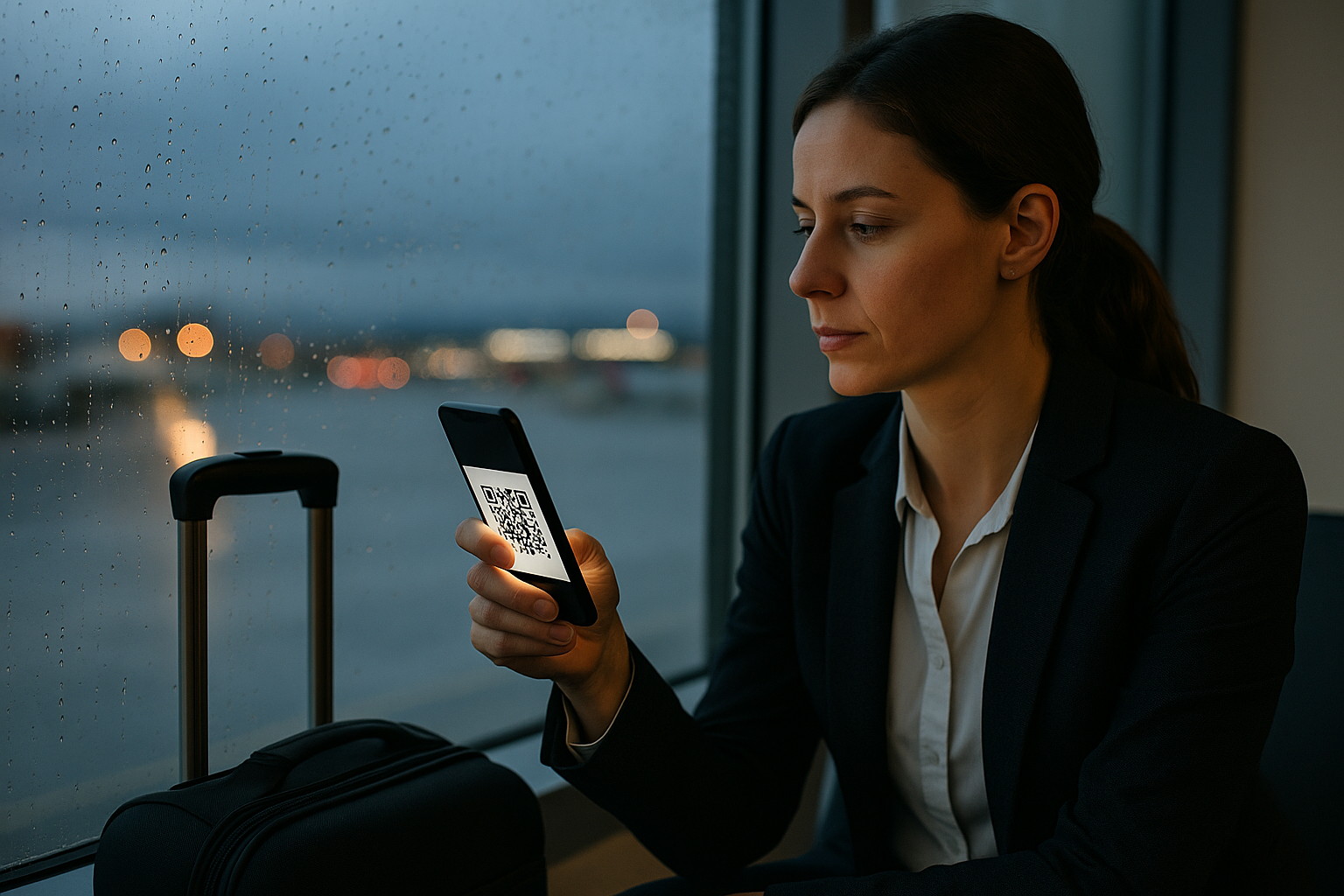
If you've heard about eSIMs but aren't quite sure what one looks like or how you'd actually use it, you're not alone. Unlike physical SIM cards that you can hold and slot into your phone, an eSIM is entirely digital. Here's what you'll actually see and do when you use one.

What an eSIM looks like to you
The most common visual representation of an eSIM is a QR code. When you purchase an eSIM data plan, you typically receive a QR code via email or displayed within an app. This square, pixelated code contains all the information your phone needs to download and activate the eSIM profile. You simply open your phone's settings, navigate to the mobile network or cellular section, and scan the code with your camera. Within moments, the eSIM is installed.
That's the setup step. Once activated, your eSIM appears in your phone's settings just like any other mobile connection. On an iPhone, you'll see it listed under Settings > Mobile Service (or Cellular), often labelled with the network name or a custom label you choose, such as "Travel Data" or "Holiday UK". On Android devices, it appears under Settings > Network & Internet > SIMs. You can switch between your regular number and your eSIM, or run both simultaneously if your phone supports dual SIM.
What you see inside the rentnconnect app

With rentnconnect, the entire eSIM experience lives inside the rentnconnect app (available for iOS and Android). Once you've installed your eSIM using the QR code, you manage everything from the app: checking your remaining data, topping up when you need more, and viewing your connection status. The interface shows your current data balance clearly, so you're never caught off guard.
The app is also where you'd set up a mobile hotspot rental if you prefer pocket WiFi instead of, or alongside, your eSIM. Both products are designed for short trips, from as little as one day, with no subscription or long contract. You pay only for what you need, when you need it. It's straightforward: install, connect, travel.
Examples of eSIM use on different devices
Modern iPhones (XS and newer), recent Samsung Galaxy models, Google Pixels, and many other smartphones support eSIM. The setup process is nearly identical across devices. On an iPhone 14, for instance, you might use your UK number as your primary line and add a rentnconnect eSIM as a secondary data line while travelling in Europe. You'd make calls on your regular number but route all data through the eSIM to avoid roaming charges.
Some newer iPads and even the Apple Watch Series 3 and later also support eSIM, though the watch implementation is more limited and typically tied to a carrier plan. Tablets with eSIM capability are particularly useful for travellers who work on the move. You can install a data-only eSIM on your iPad and stay connected in cafés, trains, or hotel rooms without hunting for WiFi passwords. The eSIM shows up in your tablet's settings the same way it does on a phone, and you manage it through the same process.
What an eSIM doesn't look like
It's worth being clear about what you won't see. There's no physical card to insert or remove, no tiny tray to fumble with using a SIM tool, and no risk of losing a small piece of plastic. You won't receive anything in the post. The entire transaction and activation happen digitally, which is why eSIMs are so convenient for last-minute travel or when you land in a new country and need connectivity immediately.
You also won't see complex contracts, monthly billing cycles, or subscription renewals. Services like rentnconnect operate on a pay-as-you-go model that's designed for tourists and short-term travellers. You're not signing up for anything ongoing. You buy data for the days you need it, use it during your trip, and that's it. The eSIM profile remains on your phone and can be reused or deleted whenever you choose.