


If you've heard about eSIMs but never seen one in action, you're not alone. Unlike a physical card you can hold, an eSIM exists entirely inside your phone—which makes it tricky to picture. Here's what eSIMs actually look like, how you activate them, and what the experience feels like when you're travelling.

What an eSIM looks like on your phone
You won't see anything physical. An eSIM is a digital profile that lives in your phone's settings. On an iPhone, open Settings > Mobile Data (or Cellular), and you'll see a list of any eSIMs you've installed—each one shows a label (like "rentnconnect Travel" or "Holiday Data"), the network it's using, and whether it's turned on. On Android, the path is usually Settings > Network & Internet > SIMs, and the layout is similar. That's it. No slot, no tray, no card to lose in your hotel room.
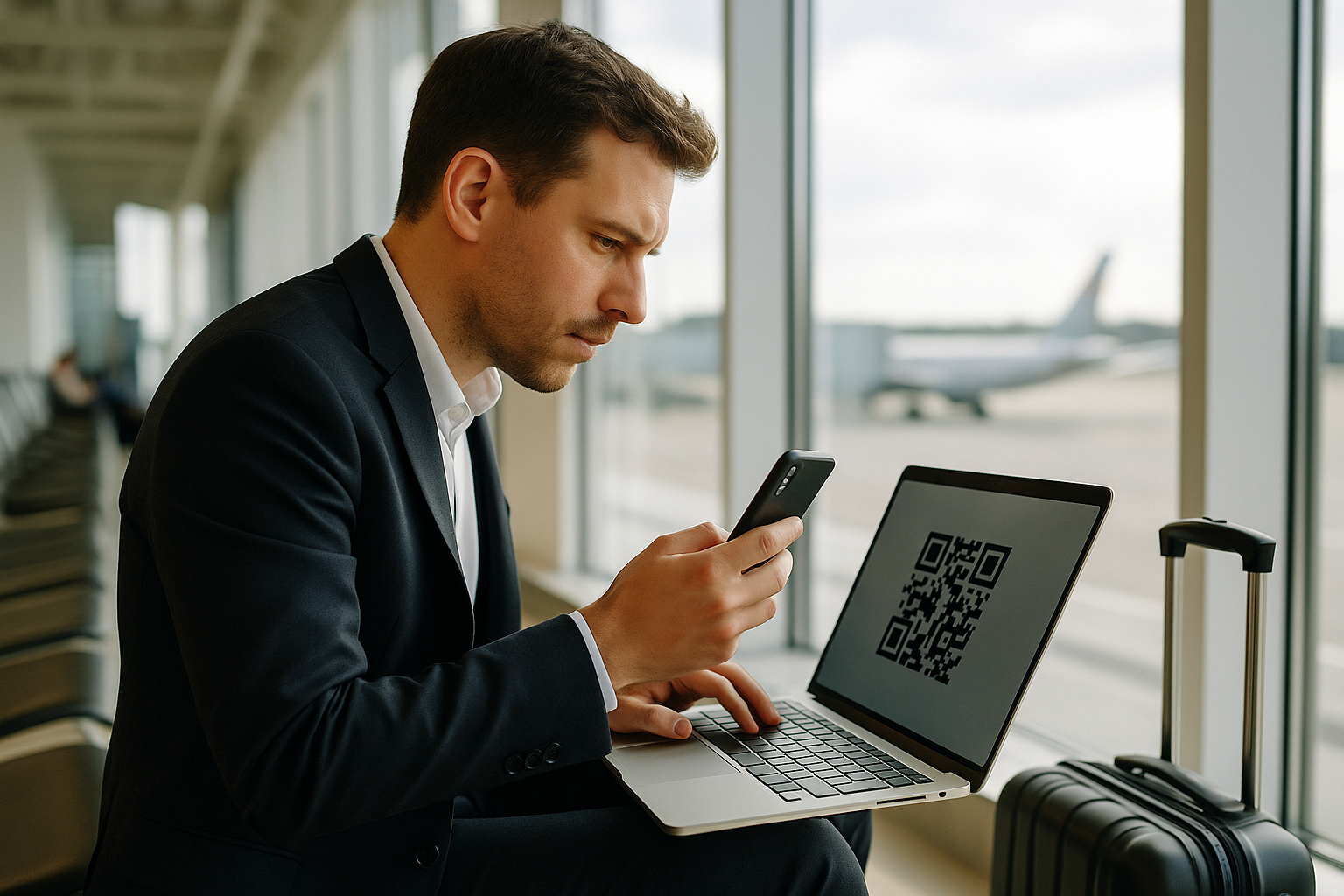
When you first activate an eSIM, you'll scan a QR code or use an app to download the profile. For example, with rentnconnect, you install your eSIM directly through the rentnconnect app (available on iOS and Android)—no QR code needed, and you can top up or manage your data without digging through settings. The eSIM appears in your phone's list within seconds, ready to connect when you land.
What eSIM activation looks like in practice

The activation process is faster than you'd expect. You open the app or scan a QR code, your phone downloads the eSIM profile (takes about ten seconds), and then you turn it on when you're ready to use it. You'll see a confirmation screen, maybe a notification that you're connected to a local network, and that's it. No waiting for a SIM card in the post, no finding a shop in the airport, no swapping anything out of your phone.
For short trips—a weekend in Paris, a week in Barcelona—this makes a real difference. With rentnconnect, you can set up your eSIM before you leave the UK, then activate it the moment you arrive. Need more data halfway through your trip? Top up in the app, from as little as one day at a time. No subscription, no contract, just data when you need it. And if you prefer not to rely on your phone alone, rentnconnect also offers mobile hotspot rental (pocket WiFi) that works the same way: flexible, short-term, pay-as-you-go.