


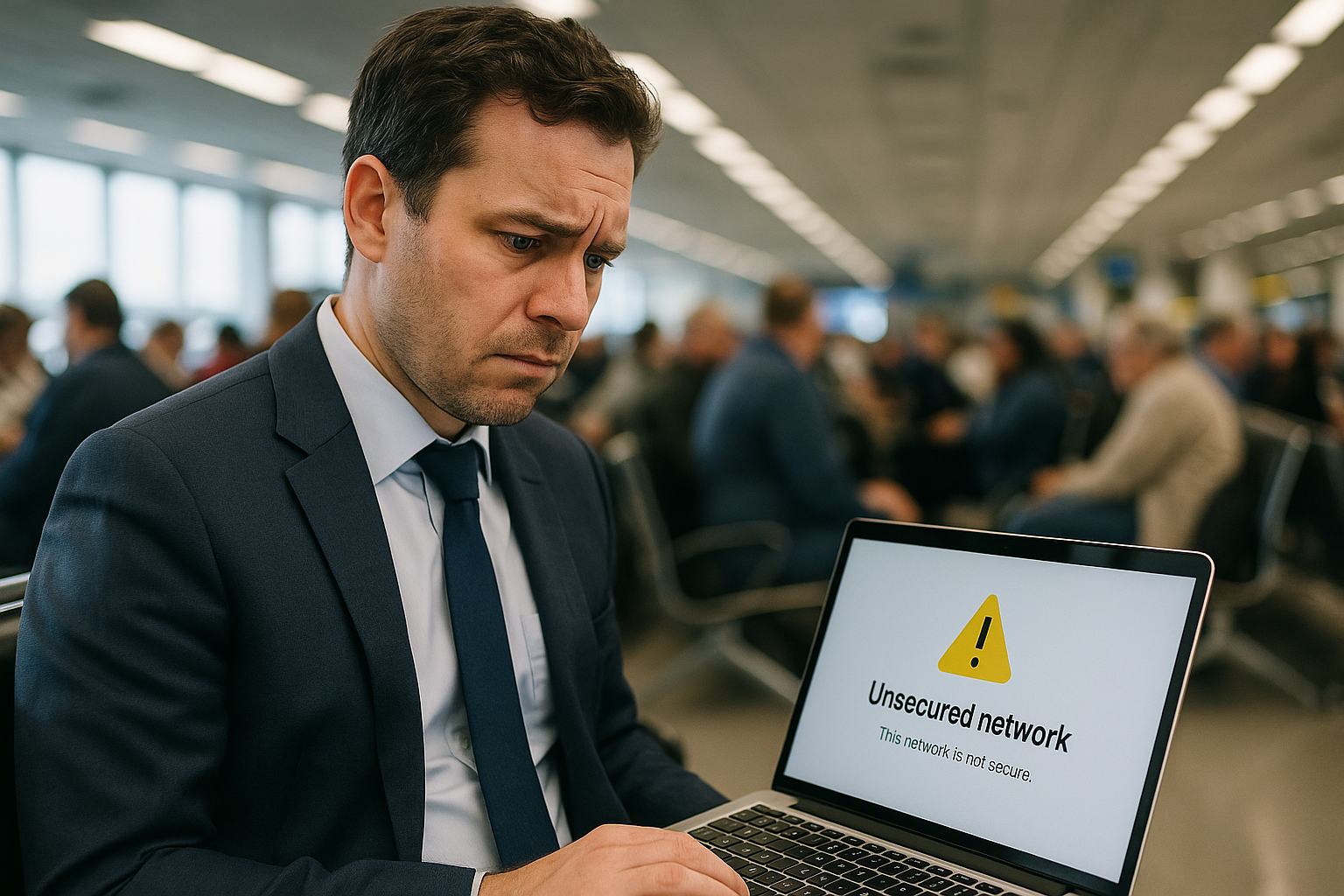
Free WiFi is everywhere when you travel—airports, hotel lobbies, coffee shops, train stations. It's tempting to connect the moment you land, especially when you're trying to avoid roaming charges. But that convenience comes with genuine security risks that most people don't think about until something goes wrong.

The Real Risks of Public WiFi Networks
Public WiFi networks are inherently insecure because they're open to anyone. When you connect to that "Airport_Free_WiFi" hotspot, you're sharing the same network with potentially hundreds of strangers. Without proper encryption, any moderately tech-savvy person can intercept the data flowing between your device and the network—including passwords, banking details, and personal messages.
The bigger problem is fake networks. Cybercriminals set up WiFi hotspots with names that look legitimate ("Heathrow_WiFi" or "Starbucks_Guest") specifically to trick travellers into connecting. Once you're on their network, they can see everything you do. This isn't theoretical—it happens regularly at major transport hubs and tourist areas where people are desperate to get online.
Even legitimate public WiFi often lacks basic security measures. Hotels and cafés prioritise easy access over protection, which means your connection is usually unencrypted. That Instagram post or quick email check could expose more than you think.
How to Stay Secure When You Travel
The most reliable solution is to avoid public WiFi entirely and use your own private connection. rentnconnect offers both eSIM plans and mobile hotspot rental for tourists and short-term travellers, giving you secure data from as little as one day. You set up and top up your eSIM through the rentnconnect app on iOS or Android, so you're online the moment you land—no hunting for WiFi passwords or worrying about dodgy networks. If you need to share your connection with family or other devices, the mobile hotspot (pocket WiFi) rental creates your own private network that only you control.
If you must use public WiFi, never access banking apps, make purchases, or log into anything sensitive. Use a VPN to encrypt your connection, though remember that free VPN services often sell your data themselves. Turn off auto-connect features on your phone—you don't want your device joining networks without your knowledge. And always verify the exact network name with staff rather than guessing which "Free_Cafe_WiFi" is the real one.
The question isn't whether free WiFi is convenient—it clearly is. The question is whether that convenience is worth the risk when safer alternatives exist. For most travellers, having your own secure connection through an eSIM or rental hotspot isn't just about security; it's about peace of mind in unfamiliar places.